
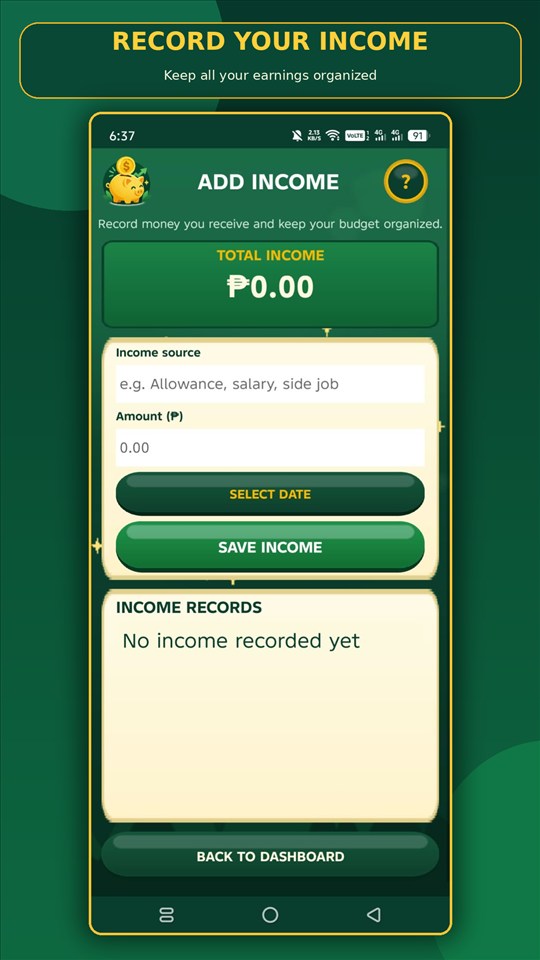
Income tracking
Keep income records together.
Record an income source, amount, and date, then review the saved income records and the total shown in the app. Clear entries can help you understand what money you have recorded over time.
Features & real app screens
Explore actual CoinQuest screenshots and the practical tools shown in the app. Screens are presented as supplied, without invented interfaces.
Income tracking
Record an income source, amount, and date, then review the saved income records and the total shown in the app. Clear entries can help you understand what money you have recorded over time.
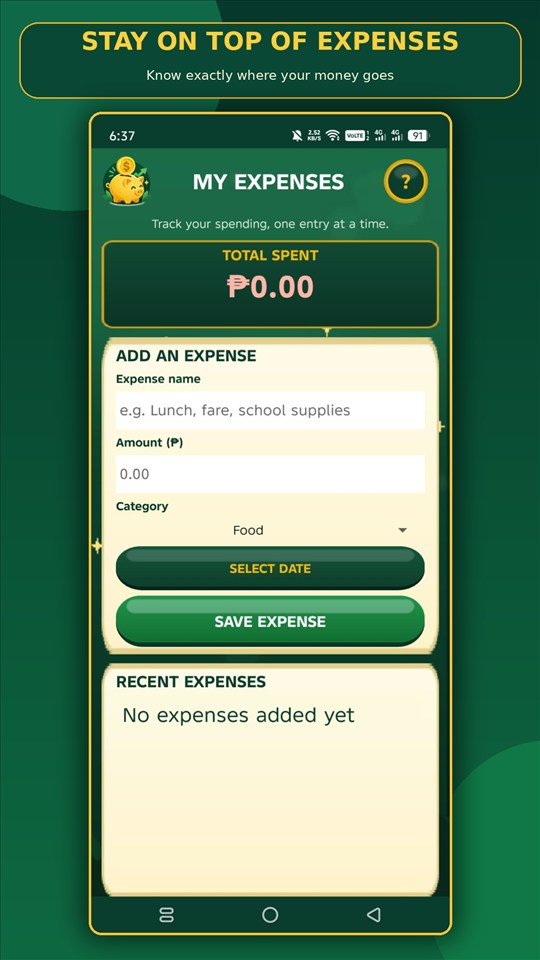
Expense management
Add an expense with a name, amount, category, and date, then see the total spent and recent entries. Keeping a record can make everyday spending easier to review.
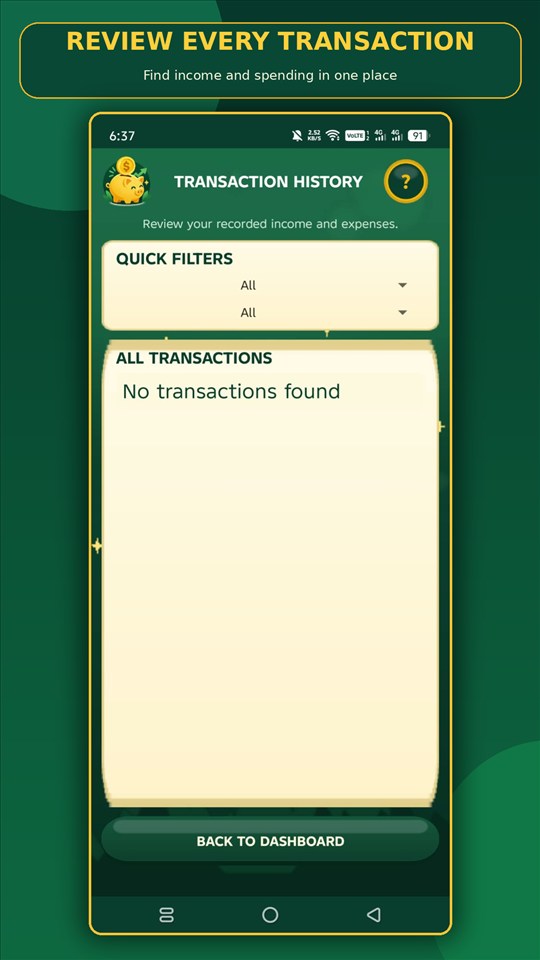
Transaction history
Review recorded income and expenses on one history screen and use the available quick filters to narrow the list. This helps make prior entries easier to find.
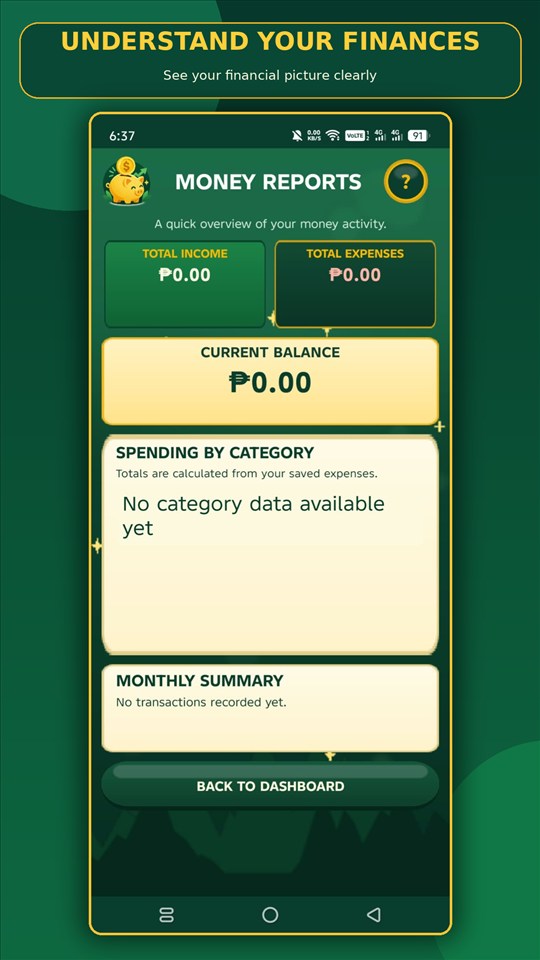
Money reports
The reports screen summarizes recorded income, expenses, and balance, with category spending and a monthly summary area. The report depends on the entries you save in the app.
Select a month and year to review income, expenses, net, and category totals for that period. Monthly net is income minus expenses, separate from your starting balance.
Savings goals
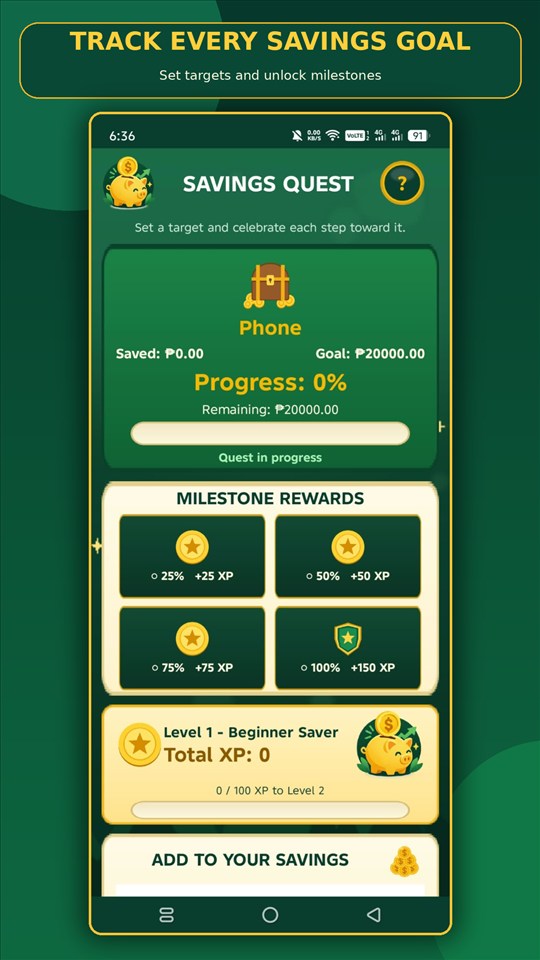
Set a goal and track the saved amount against its target. The screen also shows progress milestones and related in-app XP, making incremental progress easier to notice.
Completed savings goals are kept in your completed goals history, including the goal, target, final saved amount, progress, and completion date.
Dashboard, tips & progress
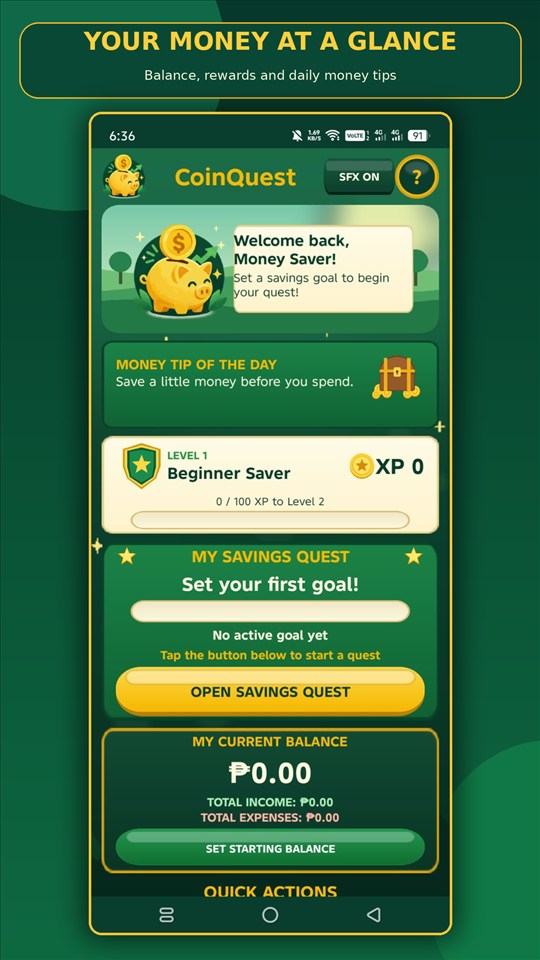
The dashboard brings together a money tip, XP and level progress, a savings quest, current balance, and quick actions. It gives you a starting point for the app's everyday tracking tools.
Savings quests recognize eligible 25%, 50%, 75%, and 100% milestones with XP and achievement badges. Levels and badges celebrate progress inside the app; they are not cash or financial returns.
An encouraging start
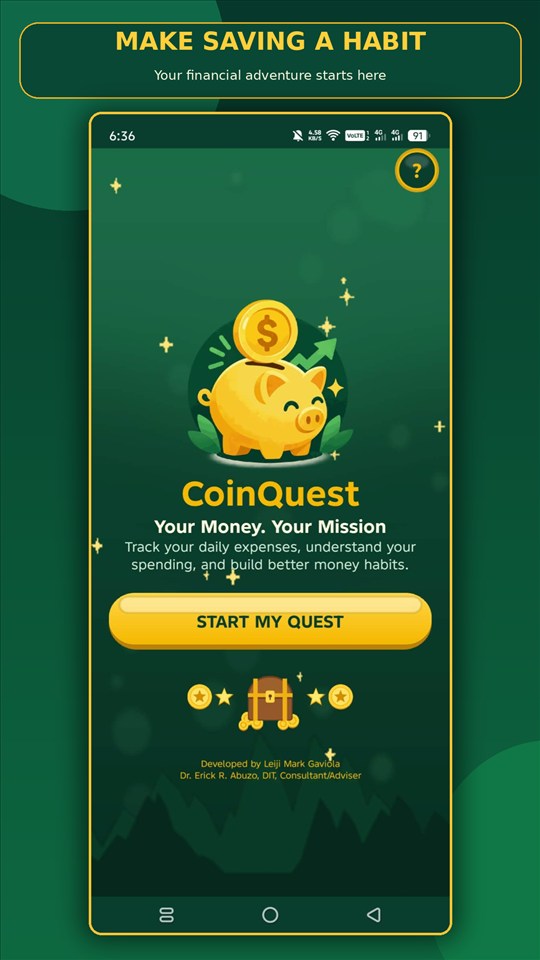
The welcome screen introduces the CoinQuest theme and invites users to start. Motivational messages and quotes are part of the app's friendly presentation.
The CoinQuest world
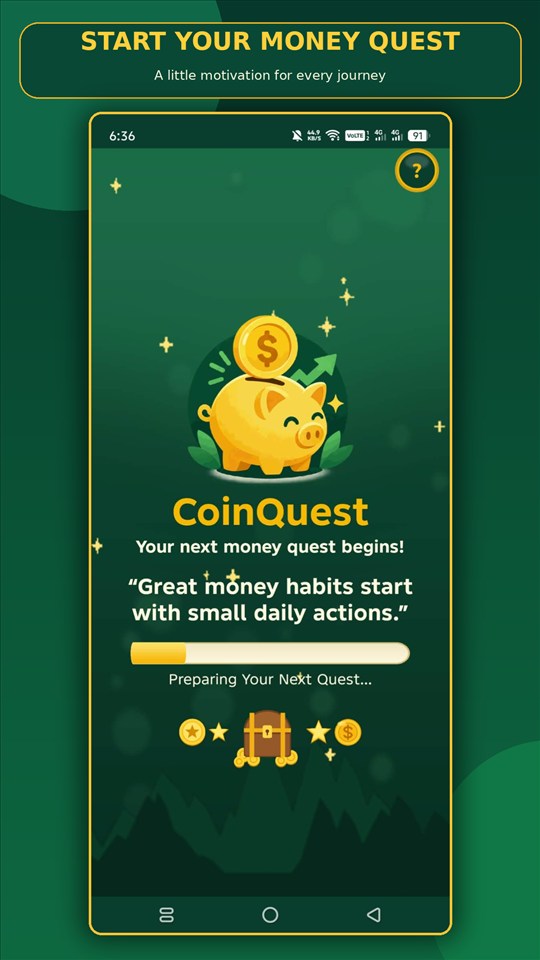
The illustrated loading screen sets the app's playful money-quest tone. CoinQuest's game-inspired visuals are there to encourage tracking—not to imply financial rewards.
Full screenshot gallery
Use the arrows, swipe or scroll horizontally, or open a screenshot for a larger view.